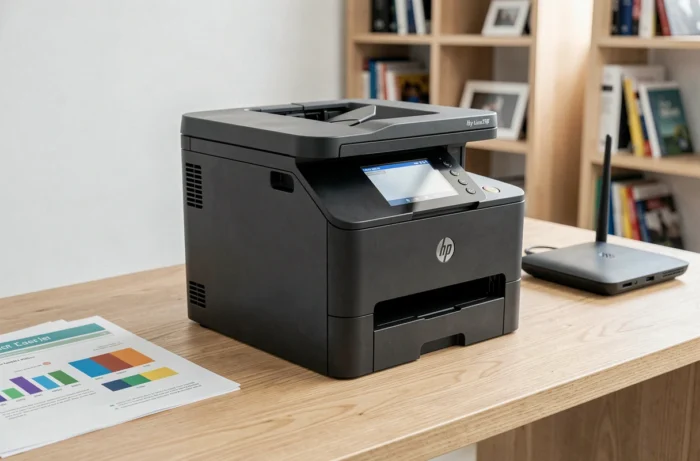
The HP Color LaserJet Pro MFP M280nw is a color multifunction laser printer positioned in the small office and freelancer segment. It combines printing, copying, and scanning in a compact format, with full network connectivity (Wi-Fi, Ethernet, USB). Its appeal lies less in a spectacular technical sheet and more in the balance between moderate acquisition cost and solid office functionalities.
Color laser technology and first page output time
The printing mechanism relies on four laser toner cartridges (black, cyan, magenta, yellow). The principle of thermal fusion, which fixes the toner powder onto the paper through heat and pressure, explains two central characteristics of this machine: the sharpness of the text and the speed once the engine is running.
HP emphasizes the first page output time (FPOT) among the shortest in its category. In practice, the warm-up time of the fuser is noticeable during a cold print, but latency decreases significantly from the second page onwards. For office documents (letters, quotes, reports), the text rendering is precise, and the solid colors are uniform.
The maximum advertised resolution is 600 x 600 DPI. This level is perfectly suitable for standard professional documents. For demanding photo or graphic work, laser technology at this price does not compete with high-end inkjet, and one should not expect this machine to do so. Complete technical data is detailed on the HP M280nw page on imprimante-laser.xyz, which also covers the cost per copy.
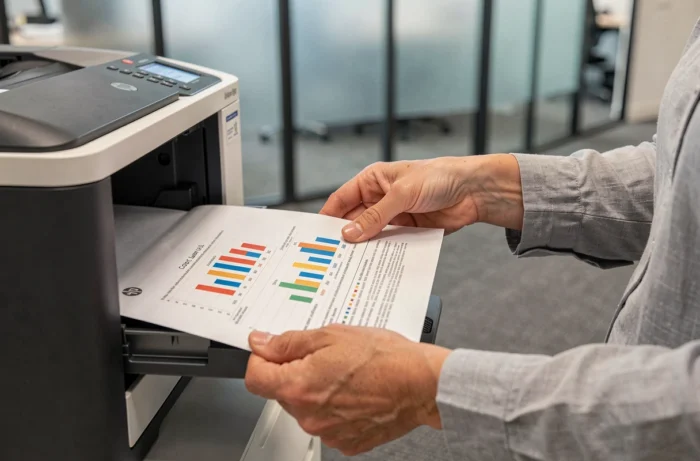
Network connectivity of the HP M280nw: Wi-Fi, Ethernet, and USB
The M280nw offers three connection interfaces: Wi-Fi 802.11n, Gigabit Ethernet port, and USB 2.0. This triple connectivity sets it apart from entry-level models that often limit themselves to Wi-Fi or USB only.
Wi-Fi allows printing from multiple workstations without wiring. Ethernet, on the other hand, ensures a stable connection in a wired office network, with more predictable speeds than wireless. The USB port remains useful for a dedicated desktop or for quick troubleshooting.
Mobile printing works via Apple AirPrint and the HP Smart app. The initial setup on the wireless network is done through the built-in color touchscreen. This small screen also facilitates navigation through the copy and scan menus without needing to install software beforehand.
A note on HP Smart and system compatibility
Under Windows 11, HP recommends a manual reinstallation of drivers in case of malfunction after updating the HP Smart app. On macOS with Apple Silicon processors, HP drivers work, but some advanced uses now rely on CUPS stacks or open-source OpenPrinting drivers. Checking driver compatibility before purchase avoids frustrations, especially on the latest systems.
Toner cartridges and the impact of HP Dynamic Security
The M280nw uses cartridges from the HP 202 range. The cost per page is considered economical for a color laser in this segment. The yield varies depending on whether one opts for standard cartridges or high-capacity versions.
One of the least discussed aspects in standard tests concerns the Dynamic Security policy applied by HP. This mechanism, reinforced by successive firmware updates, verifies the cryptographic signature of the chip embedded in each cartridge. A compatible cartridge that worked yesterday may be rejected after a firmware update.
This point has direct consequences on the long-term budget:
- Compatible toner cartridges (non-HP) represent significant savings at purchase, but their future operation depends on the firmware updates that HP regularly deploys.
- Disabling automatic firmware updates preserves compatibility with third-party toners, at the cost of potentially missing security patches.
- Authentic HP cartridges remain the only guaranteed option to work without restrictions, but their price per page is higher.
Long-term reliability with non-HP consumables is not guaranteed and directly depends on future firmware updates. For a buyer planning to use this printer for several years, this factor weighs as much as the initial purchase price.
Noise nuisance and daily ergonomics
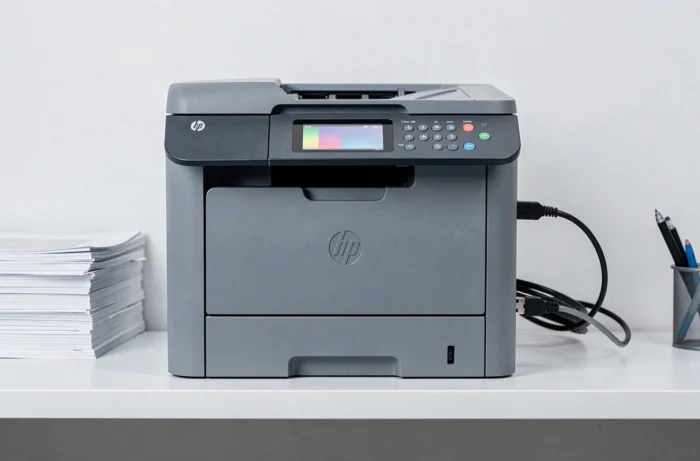
The noise level of the M280nw is the main recurring complaint. In operation, the mechanical noise of the laser motor and the fuser system is noticeable in a quiet space. In a shared office or open space, it goes unnoticed. In a living room or small studio, the noise can be bothersome during prolonged prints.
The overall ergonomics remain a strong point. The paper tray holds a sufficient stack of sheets for moderate daily use, and loading paper is done without complex handling. The color touchscreen, although compact, makes copy and scan operations independent: there is no need for a computer to be on to start a quick copy.
Paper and settings to monitor
HP recommends using paper designed for laser printers. Glossy photo paper intended for inkjet can cause jams or damage the fuser. The EconoMode, accessible from the print settings, reduces toner consumption at the cost of a lighter output, suitable for drafts but not for final documents.
The HP Color LaserJet Pro MFP M280nw fulfills its role for daily office use at moderate volume. Its complete connectivity and reasonable cost per page make it a solid option. The issue of Dynamic Security and compatible toners remains the most determining factor for managing the budget over time: this is the point that must be decided before purchase.