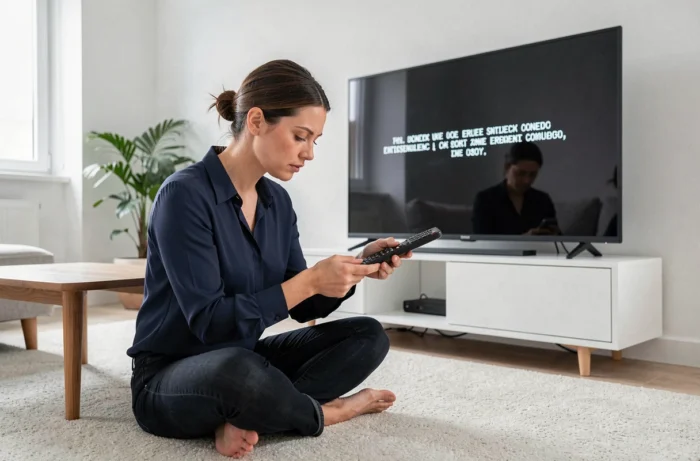
The error code L11-06 appears on your television screen when the Orange decoder can no longer receive the TV stream. This blockage indicates an unavailability of the connection between the Livebox and the decoder, or between the Livebox and the Orange network. Before contacting support, several checks can help identify the cause and restore the service.
Unavailable TV stream: what the L11-06 code technically means
Orange classifies L11-06 in the category of errors related to the unavailability of the TV stream. The decoder attempts to access audiovisual data, but the internet connection that routes it is interrupted or too unstable to maintain the signal.
Several network layers may be involved. The problem could stem from the Ethernet cable or the Wi-Fi connection between the decoder and the Livebox. It could also originate from the Livebox itself if it has lost synchronization with the network. In some cases, the malfunction may occur upstream, on the fiber infrastructure managed by a third-party operator.
A often overlooked point: on fiber networks, the infrastructure operator (OI) is not always Orange. When a collective incident affects the local network, Orange cannot intervene directly on a network owned by a third party. ARCEP regulations require that the OI carry out the repairs themselves. This explains why some users see the L11-06 code persist despite correct troubleshooting on the home side.
If you are looking to troubleshoot the Orange error code L11-06 without technical training, the first step is to distinguish between a local problem (wiring, reboot) and an external network incident.
Network diagnosis before any manipulation of the Orange decoder
Restarting the decoder is the most common reflex, but it is rarely the right starting point. Check the status of the Livebox first to avoid unnecessary manipulations on a device that is functioning correctly.
Check the Livebox
The internet light on the Livebox should be steady and green (or white depending on the model). If it is blinking, the internet connection is not established. In this case, the decoder cannot receive the TV stream, and the L11-06 code is the direct consequence of this interruption.
Unplug the Livebox from the power supply, wait about thirty seconds, then plug it back in. Synchronization with the network may take several minutes. As long as the internet light is not stable, any action on the decoder will be ineffective.
Test the Livebox-decoder connection
The decoder can be connected to the Livebox via Ethernet cable or Wi-Fi. The wired connection remains the most reliable for the TV stream, as it is not subject to interference.
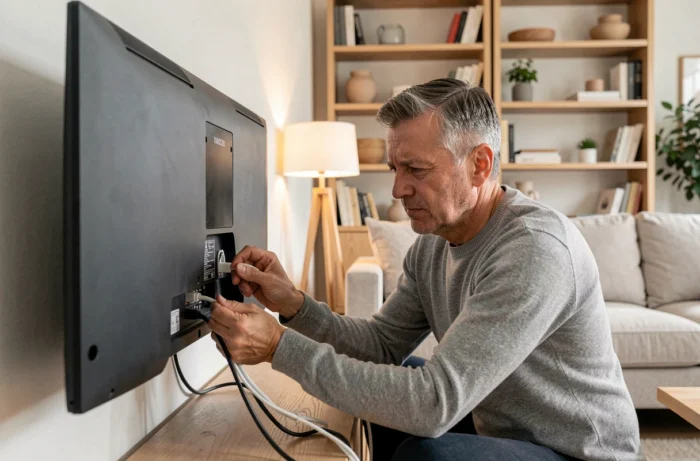
- If the decoder is connected via Ethernet, ensure that the cable is securely plugged in at both ends and that it is not damaged. A bent or crushed cable can cause micro-cuts that are invisible to the naked eye.
- If the decoder is connected via Wi-Fi, temporarily move it closer to the Livebox or test with an Ethernet cable to confirm that the problem is indeed with the wireless connection.
- On recent installations with powerline adapters (CPL), the CPL box can also be the source of the blockage. Restarting both CPL boxes (on the Livebox side and the decoder side) should be attempted.
Restarting the Orange TV decoder: the correct sequence
Once the internet connection is confirmed stable on the Livebox side, restarting the decoder may resolve the L11-06 error. The sequence matters.
Turn off the decoder with the remote control, then unplug it from the power supply. Wait at least twenty seconds. Plug it back in and turn it on. The decoder must resynchronize with the Orange servers, which can sometimes take a few minutes before regaining access to the channels.
If the code reappears immediately after the restart, a deeper reset can be attempted from the decoder menu (settings, then reset). This operation restores factory settings.
Recordings and reset
A common concern is the loss of recordings during a reset. On UHD TV decoders and TV 6 equipped with cloud recording, recordings are retained for up to 36 months on Orange servers. Troubleshooting the L11-06 does not delete them, as they are not stored locally on the decoder. For older models equipped with a built-in hard drive, the situation differs: a complete reset may delete locally recorded content.
When the error code L11-06 persists despite troubleshooting
All home-side manipulations have their limits. If the internet light on the Livebox remains unstable, or if the L11-06 code consistently returns after each restart, the problem is likely on the network.
Orange provides an online diagnostic tool accessible from the customer area. This service checks the status of the line and reports ongoing incidents in your geographical area. A collective incident on the local fiber infrastructure can affect several subscribers simultaneously, and the resolution then depends on the infrastructure operator.
In this specific case, field feedback varies on recovery times. Some users in the Orange community report resolutions within a few hours, while others wait several days when the intervention requires a physical visit to the network.
Contacting Orange technical support by phone or via the Orange and Me app allows for a remote diagnosis of the line. The advisor can initiate a connection test and, if necessary, open a service ticket with the relevant infrastructure operator.
The L11-06 code remains one of the most common error messages on Orange decoders, precisely because it covers a wide range of causes, from a simple poorly connected cable to a regional network incident. Identifying the correct level of failure before taking action helps avoid wasting time on manipulations unrelated to the actual source of the blockage.